

I am an independent sports photographer. When I cover a game alone, I am not only responsible for the camera. I also have to remember who made each play, find that play again, organize it for the right athlete, and prepare the material for editing.
On this job, 10 players needed highlight material from the same game. My old first pass took about an hour. With the QShot workflow I tested, I prepared those 10 player selections in about one minute.
That sentence needs an important distinction: QShot did not automatically create 10 finished movies. It preserved my live decisions, matched them to the camera media, and prepared organized clip packs that I could take into Final Cut Pro.
The job that used to take an hour
My old process began after the game. I copied the camera files, opened them one by one, scrubbed through similar possessions, and tried to reconstruct what I had seen from the sideline. A useful play might be six seconds inside a long recording. The assist might matter as much as the score. The reaction might happen after the ball was already dead.
Then I had to repeat the sorting by athlete. A clip for one player could also contain a teammate's best run, but unless I remembered it or watched again, that second story stayed hidden.
Final Cut Pro was not the problem. It is where I want to make the final edit. The waste happened before the timeline—when I was rebuilding context from filenames and thumbnails.
I moved the first edit to the field
Before this game, I created a simple tag set with one tag for each of the 10 players. While filming, I tapped a player's tag when that athlete made a moment I expected to use: a goal, recovery, assist, save, defensive stop, or reaction.
I was not asking software to decide what counted as a highlight. I was recording my own decision while the reason was still obvious. The tag preserved the player and the time of the moment without forcing me to stop the camera or write a separate note.
This is the part that changed everything. Postgame sorting became the recovery of decisions, not the recreation of memory.
How I used the connected-camera workflow
For this test, I used QShot's connected-camera workflow with a Nikon ZR, the camera model supported by the build I used. The camera kept the original high-quality media. QShot tracked the recording state and stored the tags I created during play.
The setup kept the two jobs separate. The camera captured the image I wanted. QShot captured the editorial context I would otherwise lose after the game.
This was not multi-camera synchronization. It was one supported connected camera plus QShot's manually created tag timeline.
What happened on the Mac
After the game, I opened the QShot Studio Mac beta. On the same local network, Studio could load my QShot tag history. I then selected the folder containing the camera media.
QShot Studio scanned the video files and matched my tag times to the correct parts of the recordings. Each match included the seconds before and after the tag, because the setup and reaction often matter as much as the exact touch.
I still reviewed the matches. Camera and phone clocks can differ, file metadata can vary, and an edge-of-file match deserves a human check. The workflow let me adjust timing instead of pretending every match must be perfect.
One batch, 10 player highlight packs
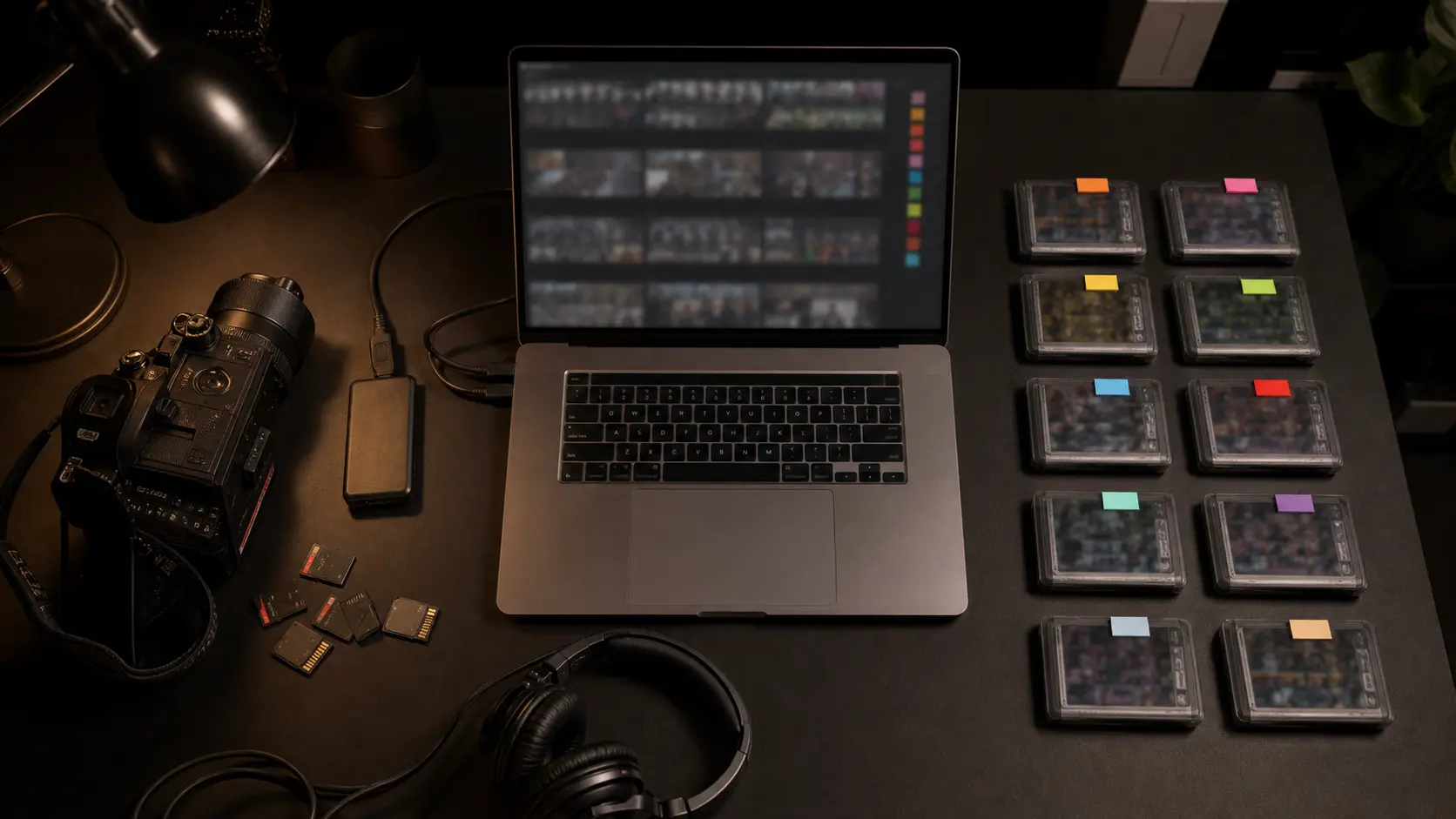
Once the matches looked right, I exported them as one batch. QShot Studio organized the MOV clips by player tag and also produced CSV and JSON indexes for the batch.
Instead of opening the full game 10 different ways, I had 10 focused sets of source clips—one for each player. In this test, the first-pass organization that used to take me about an hour took about one minute to prepare.
I call them highlight packs, not finished highlights. They were the right source moments, already grouped by player, waiting for my final editorial decisions.
Where Final Cut Pro entered the workflow
I imported the exported MOV clips into Final Cut Pro and did the work an editor should still do: choose the strongest angle, trim the action, set the pace, correct color and sound, add names or scores, and create the final delivery versions.
QShot Studio did not replace Final Cut Pro. It removed the least creative part of my Final Cut Pro session: searching the whole game before I could begin.
In the build I tested, the practical handoff was exported MOV clips and indexes. I am not describing a finished native FCPXML project handoff.
Why I could recover tens of gigabytes
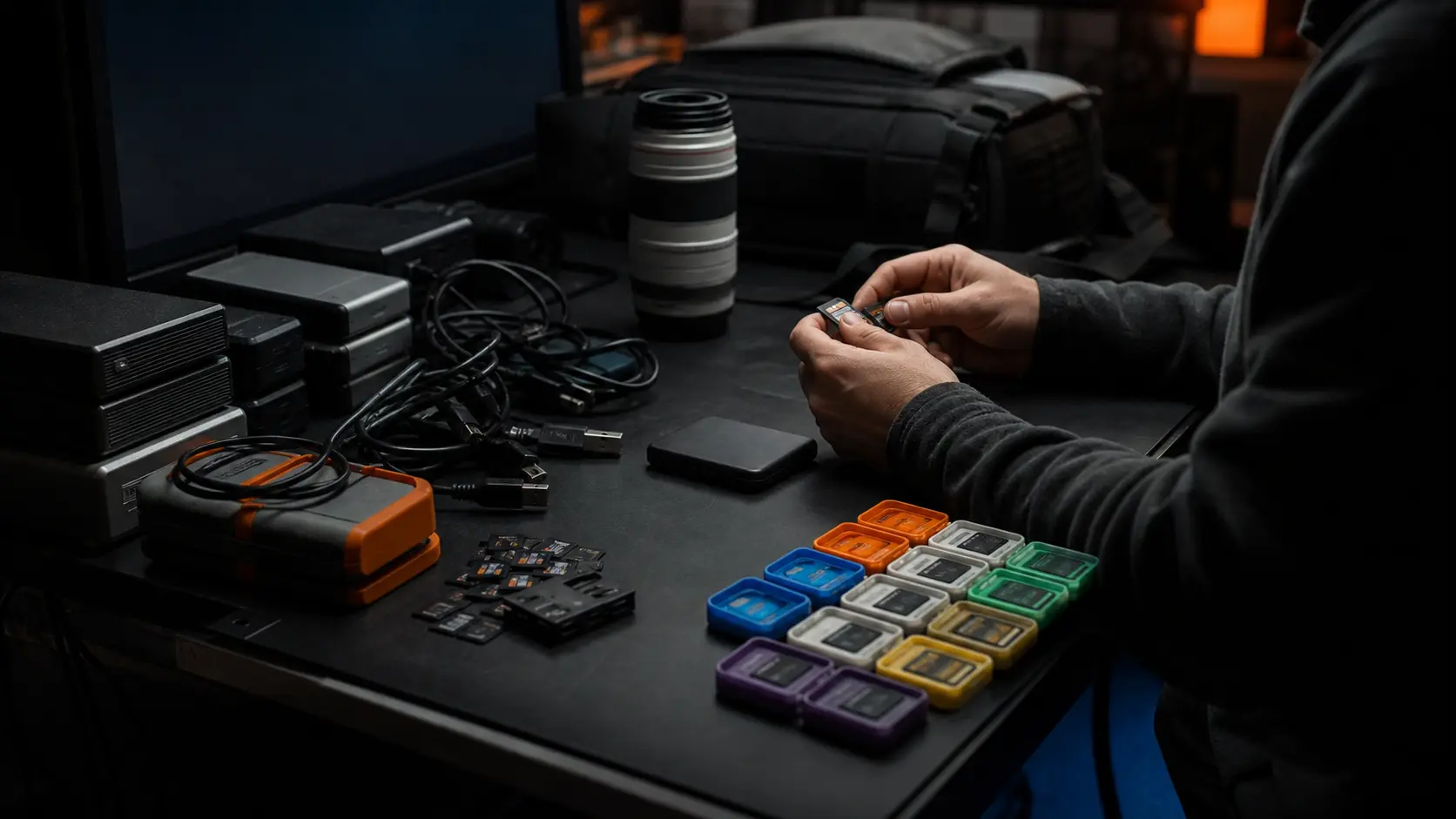
I used to keep almost everything because deleting footage felt risky when I had not finished reviewing it. High-resolution sports files make that caution expensive. One game can consume tens of gigabytes before backups and project files are counted.
After QShot Studio prepared the player packs, I checked the clips, confirmed the ranges, and kept an independent backup. Only then could I make a deliberate choice about which unrelated originals no longer needed to stay in my active storage.
That let me recover tens of gigabytes from this workflow. QShot did not delete anything for me, and I would not want it to. If a client, league, or archive requires the full game, the original footage should remain intact.
Why the first pass took one minute
The speed did not come from faster playback or automatic sports recognition. It came from changing when I made the decision.
- At the field: I marked the player and moment while I understood the play.
- On the Mac: QShot Studio matched those decisions to the camera files.
- At export: one batch produced organized player clip packs.
- In Final Cut Pro: I started with relevant material and kept the creative edit.
My old workflow asked me to remember the whole game twice. The new one asked me to pay attention once.
What my result does—and does not—prove
The one-hour-to-one-minute result was my experience with this game, 10-player tag set, Nikon ZR files, Mac, and QShot Studio beta workflow. It is not a universal processing-time guarantee. Export speed will vary with clip count, codec, storage speed, and computer performance.
It also does not mean the finished videos took one minute. I still reviewed the matches and completed each story in Final Cut Pro. What changed was the first pass: finding and organizing the moments that deserved to reach the timeline.
Frequently asked questions
Does QShot automatically recognize the best plays?
No. I manually tagged important moments while filming. QShot preserved those decisions so QShot Studio could match them to the camera files after the game.
Did QShot Studio automatically make 10 finished highlight videos?
No. It prepared organized player clip packs in one batch. I still made the final selects, pacing, color, sound, and delivery versions in Final Cut Pro.
Does QShot Studio export a Final Cut Pro project?
In the workflow I tested, QShot Studio exported MOV clips and indexes that I imported into Final Cut Pro. Native FCPXML project handoff was not presented as a finished public feature.
Does QShot delete unused camera footage?
No. I reviewed the exported clips, kept a backup, and made the deletion decision myself. Full-game footage should be retained whenever the project or client requires it.
If you want the broader story of why postgame review becomes the real bottleneck, read Jimmy's four-year youth sports filming story. For the editor side of the workflow, see our comparison of Premiere Pro, Resolve, Final Cut Pro, and CapCut.
Keep the camera quality. Bring the decisions home.
See how QShot connects live tagging, review, export, and professional finishing without claiming to replace the editor.
See the QShot workflow